
Professional Data Recovery in Las Vegas & North Las Vegas
Lost important documents, family photos, business records, or other valuable files? When a hard drive or SSD begins to fail, taking the right next step can make a real difference in whether your data remains recoverable.
Las Vegas PC Repair provides professional data recovery services in Las Vegas and North Las Vegas for Windows desktops, laptops, and external storage devices. We help homeowners and businesses protect failing drives, recover accessible files when possible, and avoid mistakes that can make a bad situation worse.
Since 2006, Las Vegas PC Repair has served customers throughout Las Vegas and North Las Vegas with practical, honest help for difficult computer problems. If your computer won’t boot, your drive is making unusual noises, or important files have gone missing, we can evaluate the situation and explain the safest next steps.
- Hard drive and SSD data recovery evaluations
- Deleted documents, photos, and office files
- Windows computers that won’t boot
- External USB drive and storage device problems
- Owner-operated local service since 2006
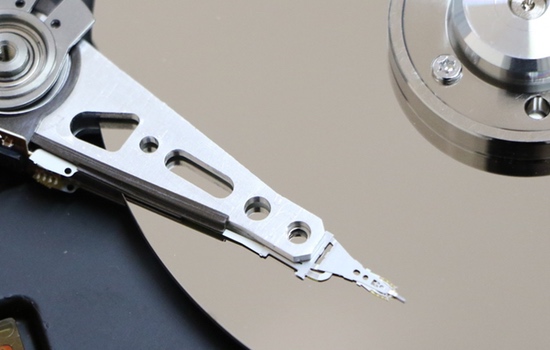
Don’t Gamble With Your Data
In Las Vegas, gambling belongs in the casinos — not with your important files. If your hard drive is clicking, your SSD has stopped responding, or your computer suddenly won’t boot, repeatedly restarting it or trying random software can reduce the chances of successful recovery.
When your photos, business records, tax documents, customer files, or school work are on the line, the safest move is to stop using the affected drive and get informed help before doing anything that could overwrite or further damage the data.
- Don’t keep rebooting a failing drive
- Don’t reinstall Windows before protecting your files
- Don’t save new files onto the affected drive
- Don’t assume deleted files are gone forever
- Don’t risk making a recoverable problem worse
What To Do When Files Go Missing
Data recovery is often as much about avoiding further damage as it is about retrieving files. The first things you do after data loss can matter a lot.
Best Practices Before Recovery
- Stop using the affected drive or computer as soon as possible
- Do not format the drive or reinstall Windows
- Avoid repeatedly powering on a clicking or grinding hard drive
- Do not install recovery software onto the affected drive
- Keep the original device unchanged until it can be evaluated
Important: Some failures can be handled locally, while severe physical damage may require a specialized recovery lab. We’ll help you understand which situation you’re dealing with.
Hard Drive, SSD & File Recovery Services
Every data recovery situation is different. The safest approach depends on the type of storage device, how the problem started, and whether the drive is still readable.
Hard Drive Recovery
Mechanical hard drives can suffer bad sectors, file-system corruption, read errors, and physical failures.
- Unreadable or disappearing drives
- Drive imaging when appropriate
- Corrupt partitions and file systems
- Recovery of documents, pictures, and other files
SSD Data Recovery
Solid-state drives can fail differently than traditional hard drives and may require a different recovery strategy.
- SATA and NVMe SSD evaluation
- Controller and access-related problems
- Missing or inaccessible files
- Options based on the drive’s condition
Deleted Files & Formatting Issues
Deleted files, lost folders, and accidental formatting do not always mean the data is permanently gone.
- Deleted documents and folders
- Accidentally formatted drives
- Lost photos and videos
- Corrupted or missing partitions
Windows Won’t Boot
A computer that won’t start may still contain recoverable files, depending on the condition of the drive.
- Boot loops and startup failures
- Blue-screen related file protection
- Recovery from eligible Windows PCs
- Protecting files before system repair
Drive Imaging & Safe Recovery Methods
One of the most important ideas in data recovery is protecting the original storage device. In some situations, it may be possible to create an image or working copy of a failing drive before deeper recovery attempts are made.
Working from a copy can reduce repeated access to the original drive and may improve the chances of protecting the remaining readable data. The right strategy depends on whether the device is physically failing, simply corrupted, or suffering from a Windows-related problem.
After the data is protected, we can also discuss replacement options for failed storage. If you need a new drive after recovery, see our hardware upgrades page for SSD and storage upgrade information.
Recovering Files From Computers That Won’t Start
When evaluating a Windows computer for data recovery, sometimes the storage drive is still readable even though Windows refuses to boot. Other times, the startup failure is an early sign that the drive itself is developing problems.
Before attempting aggressive repairs or a Windows reinstall, it’s wise to determine whether important files should be secured first. That is especially true for business records, client documents, financial information, and irreplaceable family photos.
- Check whether the drive is still detected
- Assess available signs of drive health
- Attempt safe access to user files when practical
- Protect data before deeper repair work
If your computer is also having broader Windows or hardware issues, visit our computer repair page. If the system slowdown may be caused by malware, see our virus removal service. If your PC mainly needs performance improvements rather than recovery, our computer optimization service may be the better fit.
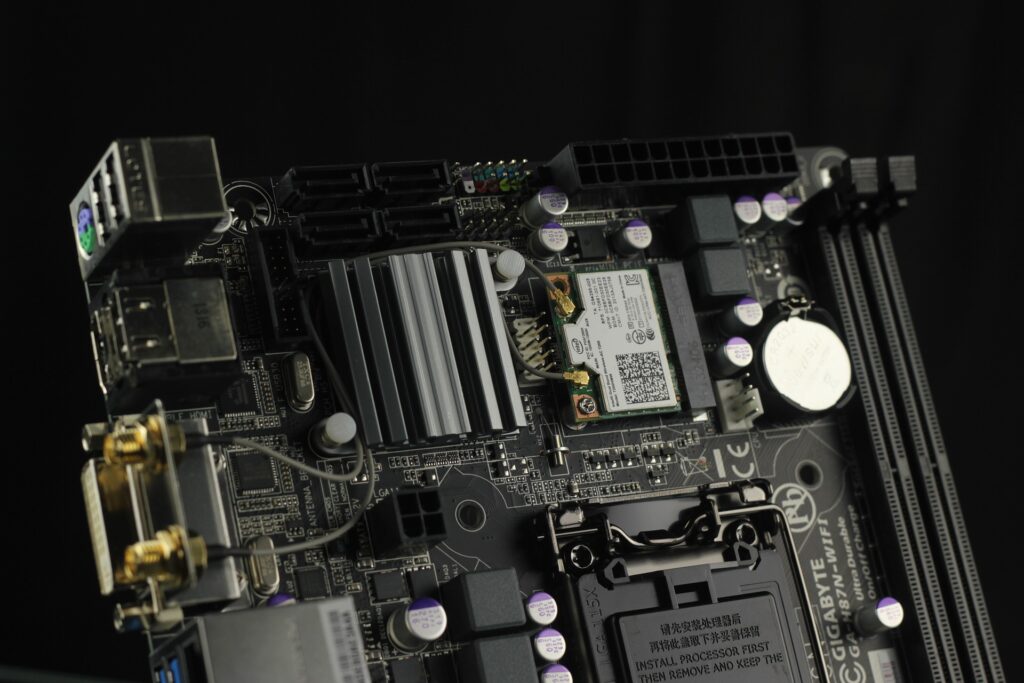
Common Symptoms of Data Loss or Drive Failure
Storage Device Symptoms
- Clicking, grinding, or unusual noises
- Files suddenly becoming inaccessible
- Drive disappearing from Windows
- Read errors or repeated freezing
Computer & File Symptoms
- Windows stuck during startup
- Deleted or missing folders
- Damaged documents or pictures
- External USB drives not opening properly
These problems do not all mean the same thing. Some are caused by failing hardware, some by software corruption, and others by accidental deletion or malware. The right data recovery steps depend on what actually happened, so avoid making the problem worse while investigating.
How Our Data Recovery Process Works
Diagnose
We discuss the symptoms and evaluate the likely cause of the data loss.
Protect
We determine the safest way to preserve the original device and available data.
Recover
We attempt recovery using an approach appropriate for the drive’s condition.
Return
We discuss the results and help move recovered files to healthy storage.
The time and cost involved depend on the condition of the device and the type of recovery needed. We explain the situation clearly so you can decide on the next step.
Data Recovery Service in Las Vegas & North Las Vegas
Las Vegas PC Repair is a locally owned, owner-operated mobile computer repair business serving both Las Vegas and North Las Vegas. These are our two primary local markets, and this page is built specifically to help customers in both areas find the service they need.
For North Las Vegas customers, that includes neighborhoods and communities such as Aliante, Eldorado, Craig Ranch, and nearby areas, depending on appointment availability. For Las Vegas customers, we provide service across the valley with a focus on Windows desktop and laptop support, storage issues, performance problems, and practical recovery guidance.
- Serving local customers since 2006
- Over 30 years of hands-on PC repair experience
- Windows desktop and laptop specialists
- Owner-operated service
- Clear explanations and honest recommendations
Need more general answers first? Visit our Computer Repair FAQ for Las Vegas and North Las Vegas.
Data Recovery Questions
Can data be recovered from a failed hard drive?
Sometimes, yes. Recovery depends on the type of failure and the physical condition of the drive. Some problems involve corrupted data structures, while others involve mechanical failure that may require more specialized recovery methods.
Can you recover data from an SSD?
Sometimes. SSD recovery can be more difficult than traditional hard drive recovery depending on the type of failure. Stop using the drive as soon as possible and avoid making changes to it.
What if my computer won’t boot?
A computer that won’t start may still contain recoverable files. The best next step is to determine whether the drive is still readable and whether files should be protected before deeper system repairs are attempted.
Do you recover deleted files?
Deleted files may sometimes be recoverable, especially if the affected drive has not been used much afterward. Continued use can overwrite deleted data, so stop using the drive as soon as possible.
Do you serve North Las Vegas?
Yes. Las Vegas PC Repair serves both North Las Vegas and Las Vegas. If you’re located in North Las Vegas, give us a call and we can discuss the problem and appointment availability.
Is data recovery guaranteed?
No. No honest technician can guarantee that every file will be recoverable. Success depends on the type of damage, whether data has been overwritten, the condition of the drive, and other technical factors.
Need Help Recovering Important Files?
Professional hard drive and SSD data recovery help for Las Vegas and North Las Vegas.
Call (702) 686-7277Call for a free estimate • 7 Days a Week, 10 AM–10 PM