
Professional Hardware Upgrades in Las Vegas & North Las Vegas
Is your computer getting slower, taking forever to start, or struggling with newer programs? Before spending money on a new computer, consider upgrading the one you already own.
Las Vegas PC Repair provides professional computer hardware upgrades for Windows desktops and laptops throughout Las Vegas and North Las Vegas. We help customers improve performance with SSD upgrades, memory upgrades, compatible graphics cards, improved cooling, and other hardware improvements.
We've served local customers since 2006. Our goal is simple: recommend upgrades that actually help your computer perform better without selling you parts you don't need.
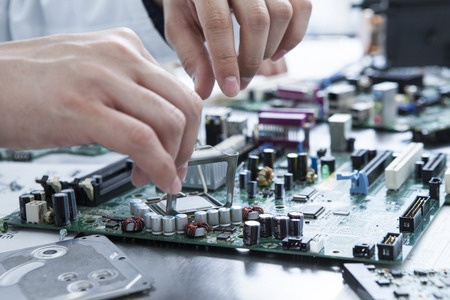
Computer Hardware Upgrade Services
Different computer problems require different solutions. We evaluate your system before recommending replacement hardware or upgrades.
SSD & Storage Upgrades
Replace a slow mechanical hard drive with a compatible solid-state drive for much faster everyday responsiveness.
- Faster Windows startup
- Quicker program loading
- More storage capacity
- Windows and file migration when possible
RAM & Memory Upgrades
Adding compatible memory can help when your computer struggles to run several programs at once.
- Improved multitasking
- Better productivity
- Memory compatibility checks
- Desktop and eligible laptop upgrades
Graphics Card Upgrades
Give a compatible desktop gaming or workstation PC more graphics capability with the right GPU.
- Graphics card installation
- Gaming performance improvements
- Power supply compatibility checks
- Cooling and case clearance evaluations
PC Performance & Hardware
Storage and RAM aren't the only components that affect computer reliability and performance.
- Cooling fans and airflow
- Power supply upgrades
- Compatible Wi-Fi adapters
- CPU and motherboard upgrade evaluations
SSD Upgrades – Make an Older PC Feel Faster
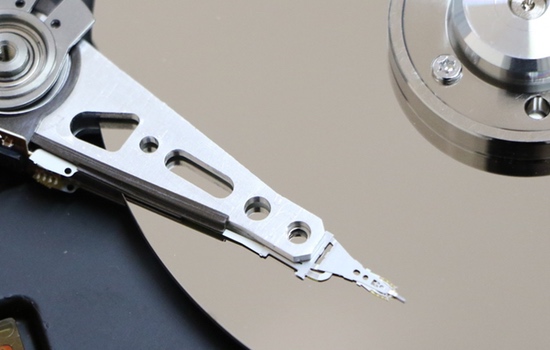
For many older Windows computers, replacing a mechanical hard drive with an SSD offers one of the most noticeable improvements you can make.
Solid-state drives access information without the moving parts found in traditional hard drives. That can result in substantially faster Windows startup, program loading, and everyday file access.
- Upgrade compatible laptops and desktop computers
- Choose the right SATA or NVMe SSD for your system
- Transfer Windows, programs, and files when practical
- Check storage health before performing upgrades
Important: If your old hard drive is clicking, disappearing, or showing signs of failure, stop using it. Data recovery may need to come before any upgrade.
Learn about our Las Vegas data recovery services.
RAM Upgrades for Windows Desktops & Laptops
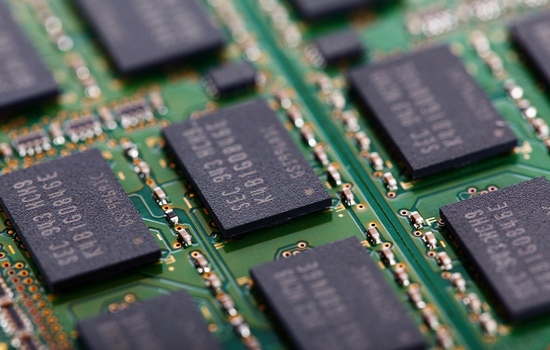
Does your computer slow down when several applications are open? Does it struggle with large files, multiple browser tabs, or demanding business software?
Additional RAM may improve performance when your computer is running short of memory. We check the motherboard, existing RAM, supported capacities, and system requirements before recommending an upgrade.
- DDR3, DDR4, and DDR5 compatibility evaluations
- Memory capacity and speed recommendations
- RAM installation and stability testing
- Help identifying whether memory is actually the bottleneck
Sometimes a slow computer has a software, storage, or overheating issue rather than insufficient RAM. Our computer optimization service can help identify those other causes.
Graphics Card & Desktop PC Upgrades
Upgrading a graphics card can help a compatible desktop handle modern games, multiple monitors, and graphics-intensive applications more effectively.
But installing a new GPU is about more than choosing the fastest card. We evaluate your processor, motherboard, power supply, case space, and cooling to help avoid compatibility problems or wasted spending.
- Graphics card installation and replacement
- Power supply and connector requirements
- Computer case clearance and cooling checks
- Driver installation and troubleshooting
- Gaming PC performance evaluation
Already experiencing crashes, black screens, or random restarts? Visit our computer repair services page to learn how we diagnose hardware and Windows problems.
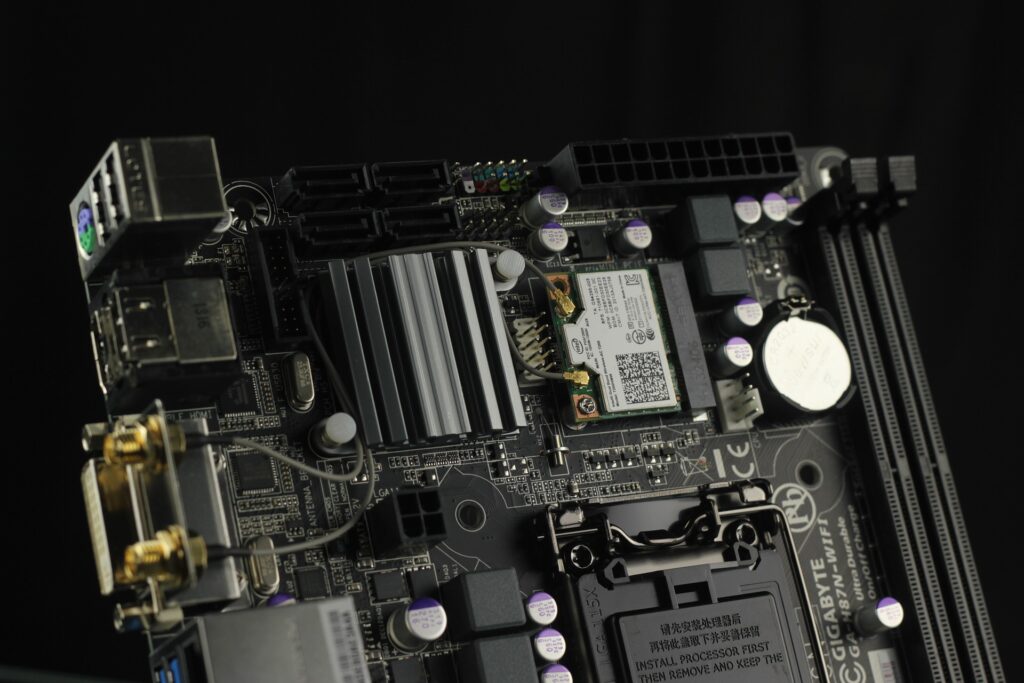
Cooling, Power Supply, Wi-Fi & Other Improvements
Hardware upgrades aren't just about raw speed. Reliability, stable temperatures, and dependable connectivity are equally important, especially for business computers and gaming PCs.
Cooling Improvements
Overheating can cause throttling, crashes, and unexpected shutdowns. We evaluate fans, airflow, thermal issues, and compatible cooling solutions.
Power Supply Upgrades
A dependable power supply is essential, especially when adding more demanding components. We check wattage, connectors, and compatibility.
Wi-Fi & Network Hardware
Compatible network hardware can improve connectivity and support newer wireless standards when your computer's existing adapter is outdated.
CPU & Motherboard Evaluations
For larger upgrades, we discuss processor compatibility, firmware, memory requirements, and whether replacing more components is financially sensible.
Signs Your Computer May Benefit From New Hardware
- Windows takes too long to start
- Applications are slow to open
- The computer struggles with multitasking
- Your storage drive is nearly full
- Games run poorly on older hardware
- Your PC regularly overheats
- Existing components are no longer adequate
- You need better performance for business applications
Not every symptom calls for new hardware. Malware, outdated drivers, failing storage, and Windows problems can cause similar issues. We recommend diagnosing the cause before buying parts.
For suspicious pop-ups or security problems, see our virus and malware removal service.
Our Computer Hardware Upgrade Process
Evaluate Your PC
We discuss the symptoms, identify hardware limitations, and check compatibility before recommending parts.
Recommend an Upgrade
We explain which improvements are worthwhile, what hardware is required, and whether upgrading is better than replacing the computer.
Install & Test
We install compatible hardware and test operation, stability, and performance. When appropriate, we also help migrate your existing system.
Why Choose Las Vegas PC Repair?
Las Vegas PC Repair has served customers throughout Las Vegas and North Las Vegas since 2006. We're a locally owned, owner-operated mobile computer repair business specializing in Windows computers, hardware troubleshooting, and practical performance improvements.
When you call, you'll speak directly with an experienced technician—not a national call center. We focus on finding the right solution for your computer and helping you make an informed decision.
- Serving local customers since 2006
- Over 30 years of PC repair experience
- Mobile service to homes and businesses
- Honest upgrade recommendations
- Windows desktop and laptop expertise
- Personal service from the business owner
Want to know more before scheduling? Visit our Computer Repair FAQ for Las Vegas and North Las Vegas.
Computer Hardware Upgrade Questions
Is upgrading my computer cheaper than buying a new one?
Often, but not always. Replacing an old hard drive with an SSD or adding compatible RAM can make a noticeable difference at a fraction of the cost of a new system. We evaluate the computer's age, condition, and performance requirements before recommending an upgrade.
Will an SSD upgrade erase my files and programs?
Not necessarily. When the original drive and Windows installation are healthy enough, it may be possible to clone or migrate the system to a replacement SSD. We assess the drive before making changes and discuss backup options whenever data could be at risk.
Can you upgrade my laptop's RAM or SSD?
Many Windows laptops support storage upgrades, memory upgrades, or both. Some newer models have soldered components that cannot be upgraded. We check your specific model before recommending parts.
Do you install hardware at my home or business?
Las Vegas PC Repair is a mobile computer repair service serving Las Vegas and North Las Vegas. Many installations and diagnostics can be performed on-site, while certain repairs may require additional testing or arrangements. Call to discuss your particular computer.
What if my computer is slow but doesn't need new parts?
We'll help identify the actual problem. Slow performance can be caused by Windows problems, startup software, malware, overheating, or failing components. Our computer optimization and repair services address those issues when hardware upgrades aren't the right answer.
Ready to Get More Life Out of Your Computer?
Serving Las Vegas and North Las Vegas with professional computer hardware upgrades since 2006.
Call (702) 686-7277Call for a free estimate • Open 7 days a week, 10 AM–10 PM